
Instagram Book Now Button for Online Coaches: Should You Use It?
A practical guide to Instagram's Book Now button for online coaches: who can use it, how to set it up, and when a DM or application is the better route.
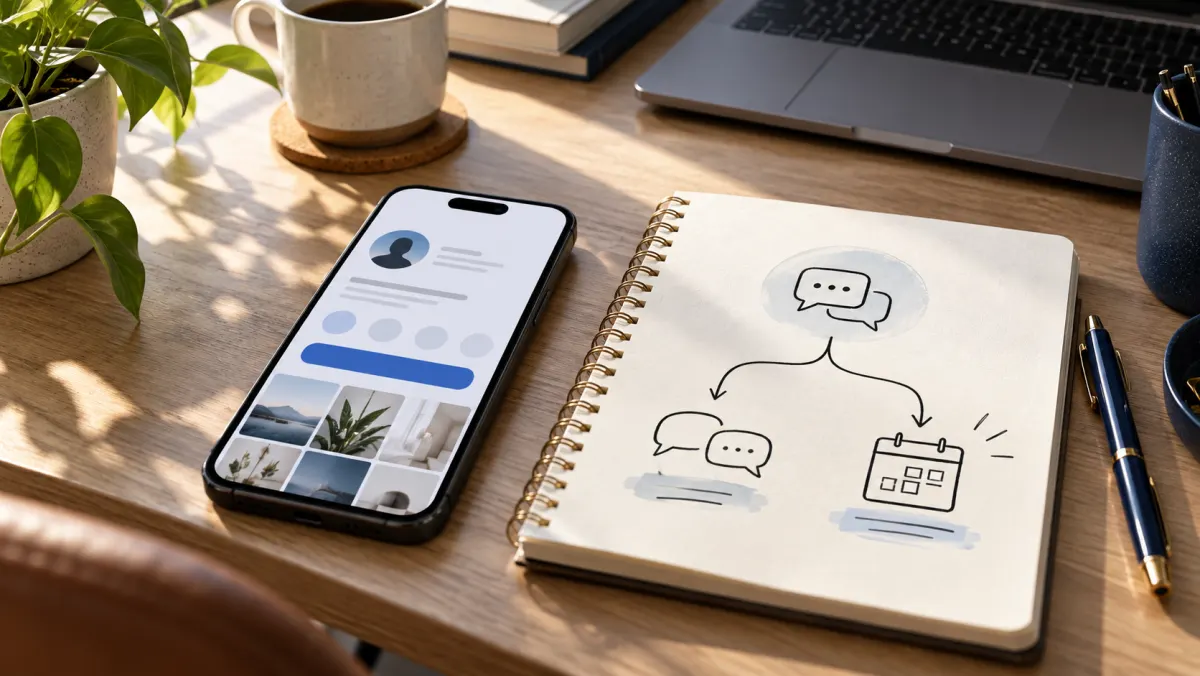
The Instagram Book Now button is a profile action that lets eligible professional accounts connect a supported booking provider so visitors can schedule from the Instagram mobile app. It is not a universal field where you paste any calendar link.
For an online coach, the real question is not whether a button saves a tap. It is whether a stranger who lands on your profile should be allowed to reserve a sales call before you know what they want. A high-ticket offer may benefit from a short conversation or application first; a clearly defined introductory session may not need that gate.
Short answer: Use Book Now if your provider is supported, your call is appropriate for most interested visitors, and you can handle the resulting bookings. Otherwise, use a profile link to the right application or calendar page and invite prospects with questions into a DM. Keep a profile link as a fallback even if you enable the button.
What does Instagram's Book Now button actually do?
Book Now connects an Instagram professional profile to a participating scheduling service. A visitor taps the profile action and moves through that provider's booking flow. The provider, not Instagram's button alone, controls the appointment types, availability, and confirmation process.
The distinction matters because “add a booking link to Instagram” and “add the native Book Now button” are different tasks. Square's setup instructions show a partner-based connection through Instagram's action-button menu and note that only one action button can be displayed at a time. Booksy's instructions likewise require a professional account, an active bookable service, and authorization of the Booksy account. Neither describes a generic URL field inside Book Now.
If your calendar tool is not in the partner list shown to your account, that is not a reason to change your entire sales process. Instagram's profile links can point to a normal booking page or application. Calendly's current help guide explains how to copy a specific event-type link; its earlier Instagram Book Now discussion recommended a link in bio when native button integration was unavailable. Check the current partner list in your own app instead of relying on an old universal list.
Should a high-ticket coach use Book Now or qualify first?
Use direct booking when the call itself is a low-cost fit check. Qualify first when a poor-fit booking would consume a scarce sales slot or create a misleading expectation. The right choice depends on the offer and call design, not on the mere presence of an Instagram feature.
| Route from Instagram | Best fit | Main trade-off |
|---|---|---|
| Native Book Now button | A supported scheduler and a short, clearly scoped consultation most interested visitors can take | Fastest action, but less control before someone reaches the calendar |
| Profile link to a booking page | Any reliable scheduler, especially when you want control over call description and a few booking questions | One more step; works even when the native partner option is unavailable |
| Profile link to a short application | Limited sales capacity, specific eligibility, or an offer that needs clear investment context | Protects the calendar, but extra questions can lose good prospects |
| DM before the link | Prospects often need a personal answer or a little context before choosing a call | More flexible, but the conversation needs prompt ownership and a clear handoff |
This is not a rule that expensive offers always need an application. A $5,000 program with a precise niche and a short fit call may work well with direct booking. Another offer at the same price may require a referral, a prerequisite, or a discussion of timing. Price alone does not tell you which path to use.
Before changing the profile, finish this sentence: “The purpose of this first call is ___, and anyone who meets ___ can book it.” If you cannot make the second blank clear, decide what you need to learn before opening the calendar. Our high-ticket coaching application guide gives a short set of questions for that decision; our booking-link rule covers when to send the link inside an existing DM.
How do you add a Book Now button to Instagram?
First confirm that your professional account and scheduling provider are eligible. Then connect the provider through the Instagram mobile app and test the whole flow as a visitor. The exact labels can change, so follow the options visible to your account.
- Open your professional Instagram profile in the mobile app and tap Edit profile.
- Look under Contact options or Action buttons, then choose Add an action button and Book Now if available.
- Select your supported booking provider and authorize the correct business account.
- Confirm the relevant appointment type is active, available for online booking, and assigned to the right person or calendar.
- View the profile from another account, tap the button, complete a test booking, and check the confirmation and time zone.
These steps are consistent with current instructions from Square and Booksy. Partner requirements differ. For example, Booksy says the account owner or administrator must add the Instagram action and that the Booksy service must already be available for online booking. Follow your own provider's documentation for its prerequisites.
If Book Now is absent, first verify the account type, mobile app, provider support, and permissions. Do not tell a coach to disconnect a working business setup or switch account types solely to chase a button. Use a profile link while you investigate.
Can you use Calendly with Instagram Book Now?
A Calendly scheduling link can be placed in an Instagram profile link, but that does not make it a native Book Now partner connection. Check the provider choices in the current Instagram app before claiming a direct integration exists. If Calendly is not listed for your account, copy the specific event-type link rather than sending visitors to a page with every meeting type. Calendly documents how to share a specific event type and how to limit unwanted public bookings.
If you want only qualified prospects to see the calendar, use a short application or a DM and share the link after fit is established. A “secret” or unlisted meeting type is useful for controlling discovery, but it does not replace the human or form decision about who is a fit.
Why might the button fail to produce useful sales calls?
A visible booking button solves access to a calendar; it does not solve offer clarity, trust, qualification, or call attendance. High-ticket coaches should inspect the handoff around the button, not just button taps.
Three common failure modes are worth testing:
- The profile never says who the call is for. A broad “Book now” action can attract people who want free advice, existing-client support, or a service you do not sell. Put the audience, offer category, and call purpose in the bio or a pinned explanation.
- The booking page asks the same questions the DM already answered. A warm prospect should not be interviewed twice. Carry the known context into the call or ask only what is missing. That is the same principle behind a shorter coaching application.
- The button is treated as the only path. Zenoti's partner documentation says its Instagram Book Now button is configured in the mobile app and is not shown on desktop. Treat that as a reason to test both surfaces and retain a profile link, not as proof that every provider behaves identically.
Also check what happens after someone books. A confirmation that says only “meeting scheduled” leaves the prospect unsure what the call covers. State the agenda, duration, time zone, and rescheduling route. If there is a real price threshold or prerequisite, make it clear before the call rather than springing it on someone afterward.
What should your Instagram profile say if you want more qualified bookings?
Tell people whom you coach, what the first call is for, and what to do if they are unsure. The button label cannot carry that context alone.
For example, a coach could write:
Strength coaching for women returning to training after 40. The 20-minute fit call is for people considering 1:1 coaching in the next 60 days. Tap Book Now if that sounds like you; DM “fit” if you have a question first.
Only use a timeline, price, or eligibility rule that is true for your offer. The point is to let someone self-select honestly. A vague “book your free strategy call” may raise bookings while giving you less information about whether the visitor wanted coaching in the first place.
If your profile needs a more complete positioning pass, see our Instagram profile lead-capture guide. If prospects already start conversations after content, the content-to-DM handoff may matter more than adding a new profile button.
How should coaches measure whether Book Now is working?
Judge the route by useful calls and clients, not raw bookings. More booked calls are not an improvement if most are unsuitable, do not show, or need an offer you do not provide.
For two comparable periods, record the route each prospect used and track:
| Stage | Question to answer |
|---|---|
| Profile action | How many people tapped the button, profile link, or started a relevant DM? |
| Booking | How many completed a booking, and which call type did they choose? |
| Attendance | How many actually attended? |
| Fit | How many met the criteria you wrote down before testing? |
| Outcome | How many became clients, or had a useful next step even if they did not buy? |
Do not compare only the number of button taps with the number of DMs. Those are different stages. Keep content mix and offer reasonably stable while testing, and note if an ad or promotion changed the quality of traffic. Our lead-source tracking guide explains how to preserve that context across Instagram and the calendar.
If direct booking produces good-fit calls, keep it simple. If the calendar fills with mismatches, add one honest fit question or route visitors to a brief application. If the problem is low attendance, improve confirmation and reminders before adding more friction at the front. There is no published universal conversion threshold that can decide this for every coach.
The practical recommendation
Start with the sales decision, then choose the Instagram control. A Book Now button is useful when a supported partner exists and the first call is genuinely open to most interested visitors. A profile link is the more portable default for coaches using another scheduler or an application-first process. A DM is the right first step when context or trust needs to be built before a calendar appears.
Whatever route you choose, make the call purpose explicit and test it from a prospect's phone. If your coaching business already has inbound DMs but struggles to answer, qualify, and hand off the right people consistently, Intellicoach is built for that conversation stage. It does not change the basic rule: only send someone to a call that is useful for both sides.
Frequently asked questions
Can an online coach add a Book Now button to Instagram?
An online coach with an eligible professional Instagram account can add Book Now when the option and a supported scheduling partner are available in the Instagram app. The coach must connect the partner account; Book Now is not a place to paste any calendar URL. Availability can vary, so check the options shown on your own account.
Can I connect a Calendly link directly to Instagram's Book Now button?
Do not assume a Calendly URL can be pasted into the native Book Now action button. That button uses a selectable booking partner. If your scheduler is not offered in the app, put the scheduling or application URL in your profile links instead, then test it from another account.
Should a high-ticket coach let anyone book from Instagram?
Not automatically. Direct booking is useful when the offer is clear, the call is short and broadly appropriate, and the calendar can absorb unqualified bookings. If fit, price, or timing must be established first, use a brief DM or application before sharing a booking link.
Why can't I see the Instagram Book Now button?
Check that the account is professional, that you are using the Instagram mobile app, that the booking partner and online booking are active, and that you have the necessary account permissions. Partner availability and Instagram interface options can change. Keep a profile link as a fallback rather than assuming the action button is available to every account.
Does Instagram's Book Now button appear on desktop?
Do not rely on it as your only booking path. Booking partners document that the Instagram Book Now action button may not appear on desktop or web profiles. A profile link to a mobile-friendly booking or application page gives visitors another route.
Ready to Try Intellicoach?
Built for online coaches with real DM volume who want to automate follow-ups and qualification without losing their voice.