
Instagram Broadcast Channels for Online Coaches: How to Build Community Without Creating Another Noisy Feed
A practical, source-backed guide to Instagram Broadcast Channels for online coaches: what they are, when to use them, what to post, and how to connect community activity to useful DMs.
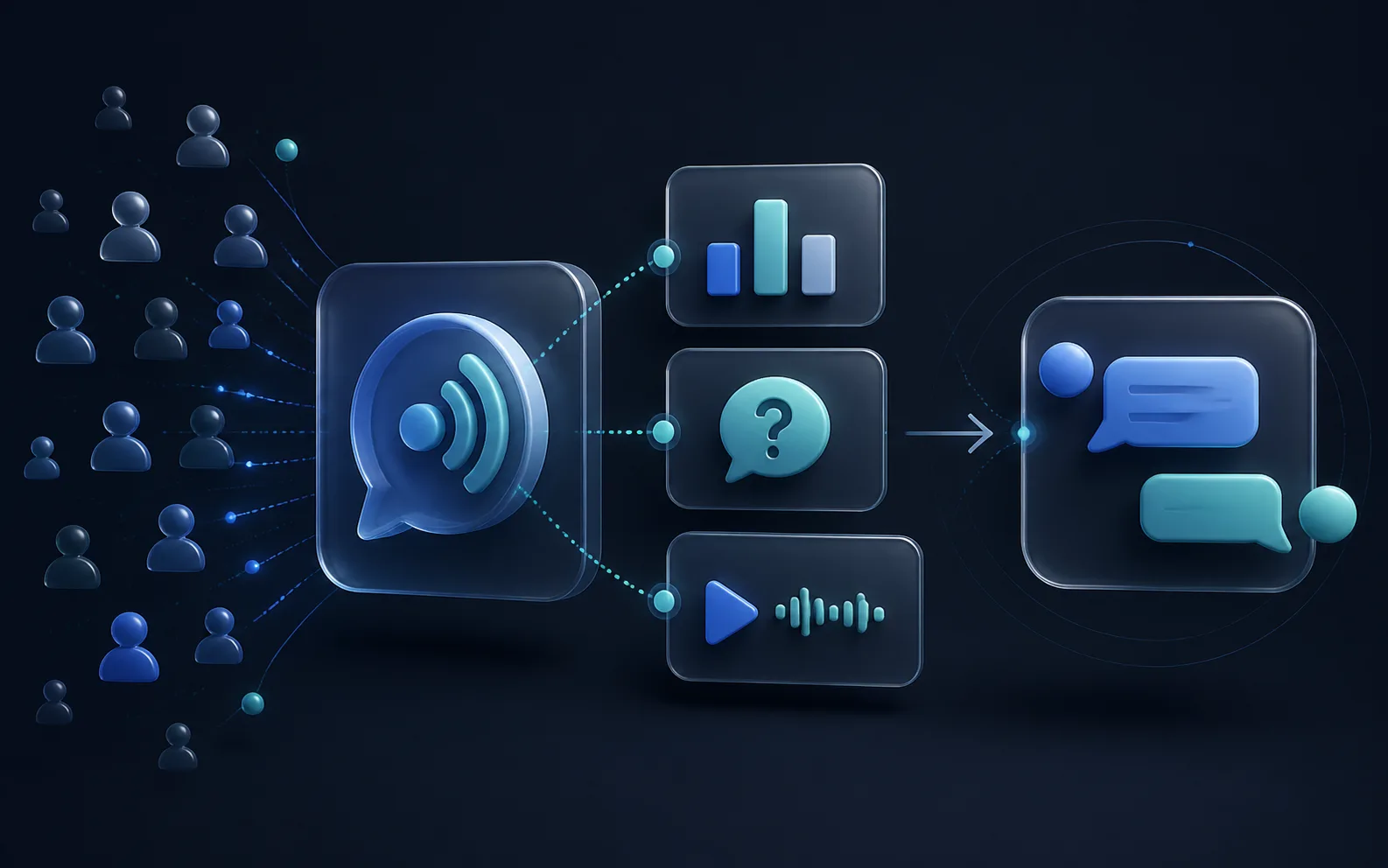
An Instagram Broadcast Channel is not a DM list, a private group, or a replacement for email.
It is a public community space inside Instagram where a creator can share one-to-many updates, invite lightweight feedback, and help members decide when an individual conversation is useful.
For an online coach, that makes a Broadcast Channel valuable when it has one job: keep a specific audience close to a useful point of view between posts, Stories, and sales conversations. It becomes a problem when it is treated as another place to repeat every promotion.
Source check: This guide was verified against Meta's published Broadcast Channels guidance available on August 28, 2026. Channel features, eligibility, controls, and Insights can change. Check the current in-app options and linked primary sources before making a live workflow decision.

The short answer: what is an Instagram Broadcast Channel?
An Instagram Broadcast Channel is a public, one-to-many messaging space that lets creators engage followers at scale. Meta says creators can share text, photos, videos, voice notes, and polls; followers can join, react, vote, and control their notification settings.
The feature has evolved beyond one-way updates. Meta's current product update says creators can enable replies, create prompts for time-limited responses, and review channel-specific signals such as total interactions, Story shares, and poll votes.
That makes a Broadcast Channel useful for community context and feedback. It does not turn the channel into a private coaching conversation or give a business permission to push a sales sequence at everyone who joined.
| A Broadcast Channel is useful for | A Broadcast Channel is not for |
|---|---|
| Sharing a clear recurring point of view | Private coaching, client records, or sensitive disclosures |
| Asking a poll or prompt that informs future content | Replacing lead qualification |
| Giving followers a voluntary, low-pressure way to stay close | Sending the same promotion without context |
| Surfacing questions that deserve a one-to-one DM | Treating every member as a sales-ready lead |
Are Instagram Broadcast Channels public or private?
Broadcast Channels are public and discoverable, not private. Meta explicitly distinguishes them from private conversations and says they are subject to Instagram's Community Guidelines.
This is the first operating rule for coaches. Do not invite people to share medical history, payment information, individual program details, or another person's story in a channel. Do not imply that the channel is a private support group if people can discover and view it publicly.
When someone needs individual advice or is ready to discuss coaching, the clean move is to offer a voluntary one-to-one path with the context intact. The content-to-DM handoff guide explains how to make that first DM feel like a continuation of the original conversation instead of a cold restart.
How do Broadcast Channels work for members?
Meta's original Broadcast Channels guidance explains the core member experience:
- followers can join through a channel link, a Story invitation, a profile placement, or a one-time invitation notification when a creator starts a channel
- joined members can manage or mute notifications
- creators can share updates at scale and use polls for feedback
- members can react and vote
Meta's later update adds two important participation options:
| Feature | What it does | Best coaching use |
|---|---|---|
| Replies | Lets members respond beneath a specific channel message when the creator enables them | A focused follow-up to a teaching point, not an unmoderated general-help thread |
| Prompts | Creates a time-limited space for members to share text or photos | A weekly question that reveals the language and obstacles your audience actually uses |
| Polls | Collects structured feedback | Choosing the next training topic, Q&A focus, or workshop time |
| Insights | Shows signals including total interactions, Story shares, and poll votes | Evaluating whether the channel is creating useful participation, not merely accumulating members |
The important word is specific. A focused prompt such as "Which part of meal planning breaks first on a travel week?" is more useful than "What are you struggling with?" It gives members a safe way to answer and gives the coach information that can improve future content.
Should an online coach start a Broadcast Channel?
Start one if you can make and keep a small promise.
Good channel promises are specific enough that a follower understands why they should join:
- "Short weekly systems notes for coaches who want cleaner lead follow-up"
- "Simple nutrition decisions for busy professionals who are tired of restarting each Monday"
- "Behind-the-scenes breakdowns of how to train around a changing shift schedule"
- "One weekly prompt to help founders identify the operating bottleneck before they add another tool"
Weak promise: "Exclusive content and updates."
That phrase asks someone to join before explaining what will be different. A useful channel should have a recognizable job that is not already done by your public feed.
Start a channel when these conditions are true
| Condition | Why it matters |
|---|---|
| You have a narrow audience and a repeatable problem to discuss | Members can decide quickly whether the channel is for them |
| You can publish a modest cadence of genuinely useful updates | Consistency matters more than message volume |
| You can ask and use feedback | Prompts and polls become research, not decoration |
| You have a clear individual-help path | People who need a personal answer are not left in a public thread |
| Someone owns moderation and follow-up | Replies and questions do not disappear during a launch or busy week |
Do not start a channel yet if these are true
- You only plan to use it for launches or discounts.
- You cannot explain what a member will get in the next two weeks.
- You do not have time to read the feedback you ask for.
- Your team has not decided which questions belong in the channel and which need a private conversation.
- You are trying to solve a DM follow-up problem by creating another unowned inbox.
That last point is common. A Broadcast Channel can create more signals, but it cannot fix missing ownership, unclear qualification, or weak follow-up. The lead routing guide is the right companion when inbound conversations already exist but nobody reliably owns the next move.
Broadcast Channel vs Stories vs DMs vs email
Each surface has a different job. The mistake is asking every surface to do all of them.
| Surface | Best job | Interaction model | Useful caution |
|---|---|---|---|
| Public posts and Reels | Discovery and recognition | Broad, public engagement | Interest still needs a clear next step |
| Stories | Timely context and lightweight interaction | Replies, stickers, and short-lived prompts | Strong for starting a conversation, weak as a durable archive |
| Broadcast Channel | Ongoing community context and feedback | Public, opt-in updates, polls, prompts, and optional replies | Do not treat it as a private or guaranteed-delivery sales list |
| One-to-one DMs | Contextual questions, qualification, and follow-up | Individual conversation | Requires ownership, boundaries, and an appropriate next step |
| Durable, owned communication and longer education | Subscriber-controlled inbox | Requires a clear opt-in and a useful reason to stay subscribed |
Instagram's own guidance notes that channel members can mute notifications. Treat joining as a signal of interest, not a promise that every post will be read.
For an Instagram lead who requests a more direct, one-to-one relationship channel, the WhatsApp Business versus Instagram DMs guide covers the consent and communication considerations. A Broadcast Channel is a different lane: it is public community context, not a substitute for that personal handoff.
What should a coach post in a Broadcast Channel?
The channel should add a layer that public content cannot easily provide: live context, a focused question, or a small piece of useful decision support.
Use three message types.
1. A signal: one useful observation
This is a brief note that helps members see a pattern.
Example for a fitness coach:
"If your week goes well until Thursday, do not start by changing your meal plan. First look at what changes between your Tuesday and Thursday calendar. The failure point is often planning time, not food knowledge."
Example for a business coach:
"A full inbox is not a pipeline. If nobody can name the next action and owner for a warm conversation, the business has activity, not movement."
No pitch is necessary in every message. The job is to give the audience a useful lens.
2. A feedback request: poll, prompt, or enabled reply
Use the channel's interactive features to learn, not to manufacture engagement.
Examples:
- Poll: "Which decision takes the most effort on a busy week: planning, shopping, cooking, or getting back on track?"
- Prompt: "What is the first thing that breaks when your work calendar fills up?"
- Reply-enabled message: "I am building next week's breakdown around follow-up. Which part is harder: knowing who to follow up with or knowing what to say?"
The specific response is often more valuable than the count. It supplies the words people use, the friction they actually feel, and the next content question worth answering.
3. A bridge: a voluntary next step for the right person
Use a bridge only when the channel message has earned it.
Good bridge:
"If the follow-up issue is happening in a live business right now, send me
TRIAGEin a DM and tell me which stage is slipping. I will point you to the right place to start."
Poor bridge:
"Everyone who wants to work with me, DM me now."
The better version preserves the message's context and makes it clear who should take action. If your team uses automation after someone voluntarily starts a DM, the Instagram DM automation examples library shows how to retain the trigger, context, guardrail, and next question.
A practical 14-day Broadcast Channel pilot
Do not make a permanent business decision after one welcome message. Run a small pilot with a defined purpose.
| Day | Message | What you are learning |
|---|---|---|
| 1 | Welcome, channel promise, and public-space boundary | Did people join for the stated reason? |
| 3 | A signal about a recurring problem | Does the topic create meaningful reactions or replies? |
| 5 | Poll with two to four focused options | Which problem deserves more attention? |
| 8 | A deeper note based on the poll result | Can you turn feedback into genuinely useful teaching? |
| 10 | Prompt or reply-enabled follow-up | What language and edge cases emerge? |
| 13 | Voluntary one-to-one bridge for people with the active problem | Does the next step create relevant DMs rather than vague inquiries? |
| 14 | Review and decide what to keep | Is there a clear promise, cadence, and operating owner? |
Keep a simple record of the channel message, topic, prompt or poll result, and voluntary DM theme. Then track DM qualification, booked calls, and outcomes separately. A community interaction is not automatically a lead, and a lead is not automatically a booking.
The weekly sales dashboard provides the broader measurement layer: source, conversation movement, booked calls, shows, wins, and the next system fix.
How should a coach moderate replies and move people to DMs?
Set the boundary before you need it.
Include a short welcome note such as:
"This channel is for practical weekly notes, polls, and shared discussion. Please do not post private health, payment, or client information here. If your question needs individual context, send a DM and include the topic you are referring to."
Then establish simple rules:
- Keep community replies about the shared topic.
- Remove or report content that violates the channel's rules or Instagram's Community Guidelines.
- Move individual or sensitive discussions into an appropriate one-to-one conversation.
- Preserve the source message when responding privately so the person does not have to repeat themselves.
- Do not promise a personal reply to every channel message unless someone owns that commitment.
Meta says replies are nested beneath channel messages and that creators can delete or report replies. That structure is useful, but it does not replace moderation or judgment.
The operating principle to keep
A Broadcast Channel should help the right people stay closer to a useful conversation, not make every follower feel like a lead in waiting.
For coaches, the best sequence is usually:
- Public content creates recognition.
- A Broadcast Channel adds ongoing context and feedback.
- A voluntary DM starts when someone needs individual help.
- Qualification and follow-up happen in the one-to-one conversation, with clear ownership.
Intellicoach is built for that third and fourth layer: helping coaching businesses preserve DM context, qualify interested people, follow up consistently, and keep the right next step visible. It does not turn a public channel into a sales machine. It helps the individual conversations that a useful channel can naturally surface.
Frequently asked questions
How often should an online coach post in a Broadcast Channel?
Start with a cadence you can keep, such as two or three useful posts per week during a short pilot. The channel should have enough activity to deliver its promise, but not so much that every message feels like another interruption. Let member feedback and the quality of interactions guide the next cadence.
Can a Broadcast Channel replace an email list?
No. A Broadcast Channel is an Instagram feature with its own discoverability, notification, and moderation rules. Email is an owned communication channel with a different permission model and long-term role. Use a channel to build context inside Instagram, while keeping a clear, voluntary route to an email list when that is useful for the person.
Can a Broadcast Channel replace Instagram DMs?
No. A channel is public community communication. DMs are where an individual can ask a context-specific question and where a coach can qualify, follow up, or offer a relevant next step. Use the channel to identify questions worth having in a DM, not to force individual conversations into public replies.
What should I measure in a Broadcast Channel?
Use the channel-level signals Meta makes available, including interactions, Story shares, and poll votes, to understand participation. Then measure voluntary DMs, qualified conversations, booked calls, and outcomes separately. Do not combine all of those into one invented conversion metric.
Is it safe to ask health or personal questions in a Broadcast Channel?
Keep channel prompts general and avoid inviting sensitive personal information. Broadcast Channels are public and discoverable. Move a person to an appropriate private conversation only when they choose to continue and when your business can handle the information responsibly.
Sources
| Source | What it supports | Checked |
|---|---|---|
| Meta: Get Closer to Your Community With Replies, Prompts and Insights | Replies, prompts, nested response structure, participation controls, and newer channel signals | August 28, 2026 |
| Meta: Introducing Instagram Broadcast Channels | Public one-to-many channel definition, follower notification controls, joining, polls, and public/discoverable status | August 28, 2026 |
| The Content-to-DM Handoff | Context-preserving CTA and first-DM design | August 28, 2026 |
Frequently asked questions
What is an Instagram Broadcast Channel?
An Instagram Broadcast Channel is a public, one-to-many messaging space where a creator can share updates with followers at scale. Meta says creators can use text, photos, videos, voice notes, polls, prompts, and replies to engage their community. It is a community surface, not a private one-to-one sales conversation.
Can members reply in an Instagram Broadcast Channel?
Yes, if the creator enables replies. Meta says replies are nested under the original channel message, which keeps the channel organized. Creators can also use prompts for time-limited responses and polls for structured feedback.
Are Instagram Broadcast Channels private?
No. Meta describes Broadcast Channels as public and discoverable chat experiences. Do not use them for private client detail, sensitive personal information, or a conversation that needs individual context. Move those discussions into an appropriate one-to-one channel.
Should an online coach start an Instagram Broadcast Channel?
Start one when you can make a specific, repeatable promise to a defined audience and sustain a lightweight cadence of useful updates and feedback requests. Do not start one simply because it is another way to send promotions; a channel without a clear reason to join becomes background noise.
How should a Broadcast Channel create coaching leads?
Use the channel to surface useful problems, collect feedback, and give members a clear voluntary next step when they need individual help. A channel can reveal which questions deserve a one-to-one conversation, but it does not replace qualification, consent, or a context-aware DM workflow.
Ready to Try Intellicoach?
Built for online coaches with real DM volume who want to automate follow-ups and qualification without losing their voice.